
What Is Software: A Guide for Business Owners Without a Technical Background
A 2024 Slack study found that small business owners lose an average of 96 minutes of productive time per day — three full working weeks per year — because of fragmented tools and processes that don't communicate with each other. Not because of laziness. Not because of poor employees. But because of tools chosen for a simpler version of the business than now exists.
The word "software" sounds technical. In practice, it describes something straightforward: a set of instructions written so that a computer can execute them. Hardware is the physical machine — the processor, memory, storage. Software is everything that tells it what to do. If hardware is a car's engine, software is the driver and the navigation system combined.
Every programme you open — Excel, your browser, the point-of-sale system at a shop, an invoicing app — is software. The difference between them isn't whether they're "programmes." It's who they were designed for, and what problem they were designed to solve.
Two Kinds of Software: Off-the-Shelf and Custom-Built
Off-the-shelf software — the technical term is exactly that — means a product built for the mass market. You buy a licence and use what the developer decided to build. Microsoft Excel, QuickBooks, Shopify, Wix — all off-the-shelf. It works well when your business process resembles millions of others.
Custom software is a programme built specifically for you. Your rules, your exceptions, your integrations. Nothing more, nothing less. It costs more upfront. But if your process is specific enough, the efficiency gap can exceed the cost.
Between the two poles there is a spectrum. Platforms like SAP, Microsoft Dynamics, or Odoo are off-the-shelf systems that allow deep configuration. They are not "custom" in the full sense, but they are not standard Excel either.
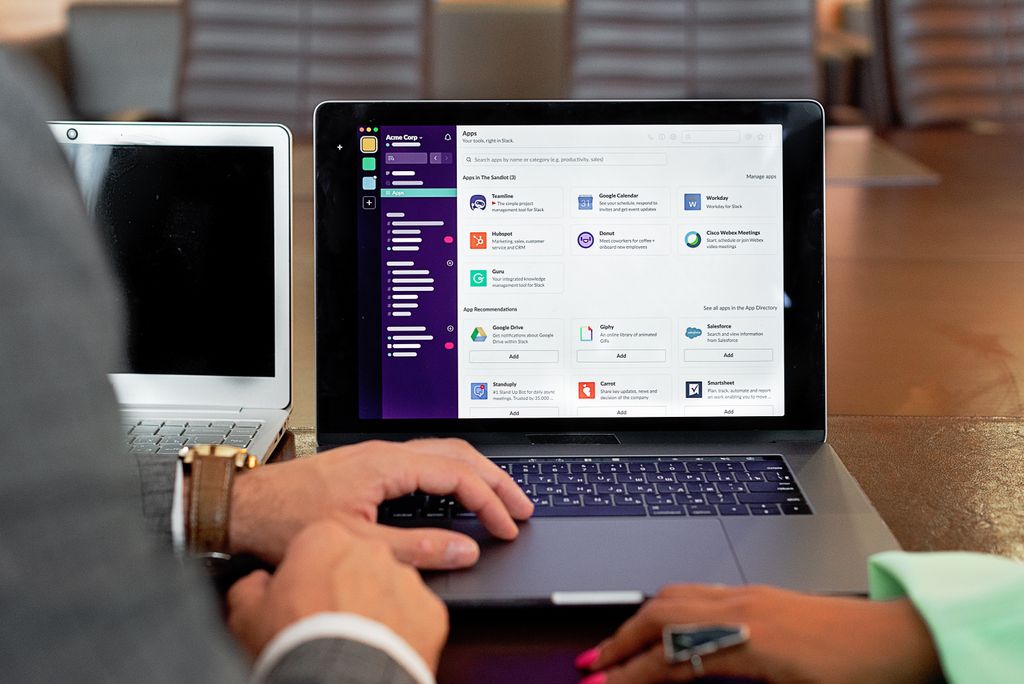
The Spectrum from Excel to ERP
Most small businesses start with spreadsheets. They are cheap, flexible, and understandable. Excel solves a real problem. The question is when it stops solving it.
At one end of the spectrum sit simple tools: Excel, Google Sheets, basic CRM systems. At the other — ERP systems. ERP stands for Enterprise Resource Planning. In plain language: a single system that simultaneously manages a company's warehouse, accounting, production, orders, and staff.
Between them sit specialised solutions: accounting and inventory software, CRM systems for managing customer relationships, standalone tools for projects, HR, and marketing. Each tool solves a specific problem. The integration between them — or the lack of it — is where costs grow.
When Excel Stops Being Enough
Here is a concrete scenario. A trading company with 12 employees manages its warehouse in Excel. Every Monday the manager spends three hours updating the spreadsheet. When a customer calls to check stock availability, the answer is "we'll check and call you back." Billing errors occur two or three times a month. Each error requires a correction, an apology, sometimes a discount.
This is not a people problem. The tool has been outgrown.
The signs that you've reached this point are specific: recurring errors, data duplicated across different files, information that "lives" only with one person, and delays caused not by workload but by a lack of visibility. A 2025 Freshworks study found that companies lose an average of 20% of their software budget to unnecessary complexity and unused tools — but the cost of the wrong tool is higher than the cost of an expensive one.

Why Different Businesses Need Different Software
A construction firm and an e-commerce shop have radically different needs. The construction firm needs to track projects, materials, subcontractors, contracts, and certifications. The online store needs orders, inventory levels, shipping, payments, and customer profiles. An off-the-shelf tool designed for one rarely works well for the other.
This is where the important distinction between ERP and CRM systems becomes practical: ERP manages internal operations, CRM manages customer relationships. The two types of system have different logic, different priorities, and different situations in which they add value.
Choosing the wrong system is not just money wasted on a licence. Employees need to be trained. Data needs to be migrated. Processes need to be adapted. Switching systems later is significantly more expensive than making the right choice initially.
A Framework for Making the Decision
Before deciding whether you need new or specialised software, answer four questions.
First: which process creates the most friction? Not "what would be nice to automate" — but what specific thing costs you money, errors, or customers every week.
Second: how unique is your process? If 10,000 businesses do the same thing, there is probably a good off-the-shelf solution. If your logic is different — specific pricing rules, a specific production cycle, specific regulatory requirements — the off-the-shelf option will require continuous compromise.
Third: what is the cost of the status quo? Calculate the hours spent on manual work, the cost of errors, the cost of delays. If the total exceeds the cost of a better solution over 18 months, the argument for change makes itself.
Fourth: what is needed — configuration or development? Many problems are solved by better setup of a tool you already have. When configuration is not enough, custom development enters the picture.
What You Need to Know About Programming Itself
You don't need to write code to make good technology decisions for your business. But you do need to understand enough to ask the right questions and not be misled by incorrect promises.
What programming actually is — not as a technical discipline but as a business context — is a different question from "do I need a CRM." Understanding the difference between languages, infrastructure, and the development process helps you manage vendors and evaluate timelines realistically.
Technology decisions made without minimal context rarely end well. Not because intentions are bad, but because without a shared frame of reference it is hard to distinguish a good offer from a misleading one.
The Decision Is Not Technical — It Is Strategic
The question "do I need custom software" is not a technical question. It is a strategic one. What is your core activity? Which operations are standard and which are differentiating? What needs to work well for the business to grow?
Tools follow strategy — not the other way around. The right software does not transform a business with no clear direction. But the wrong tool can significantly slow a business that does have one.
If you are unsure where to start, look at the specific distinctions: ERP vs CRM, off-the-shelf vs custom accounting and inventory software, when custom development is worth it, and what a developer actually does. Each of those distinctions carries concrete value for the decision you are facing.